Critical PHP Security Vulnerabilities in 2026: What WordPress Owners Must Do
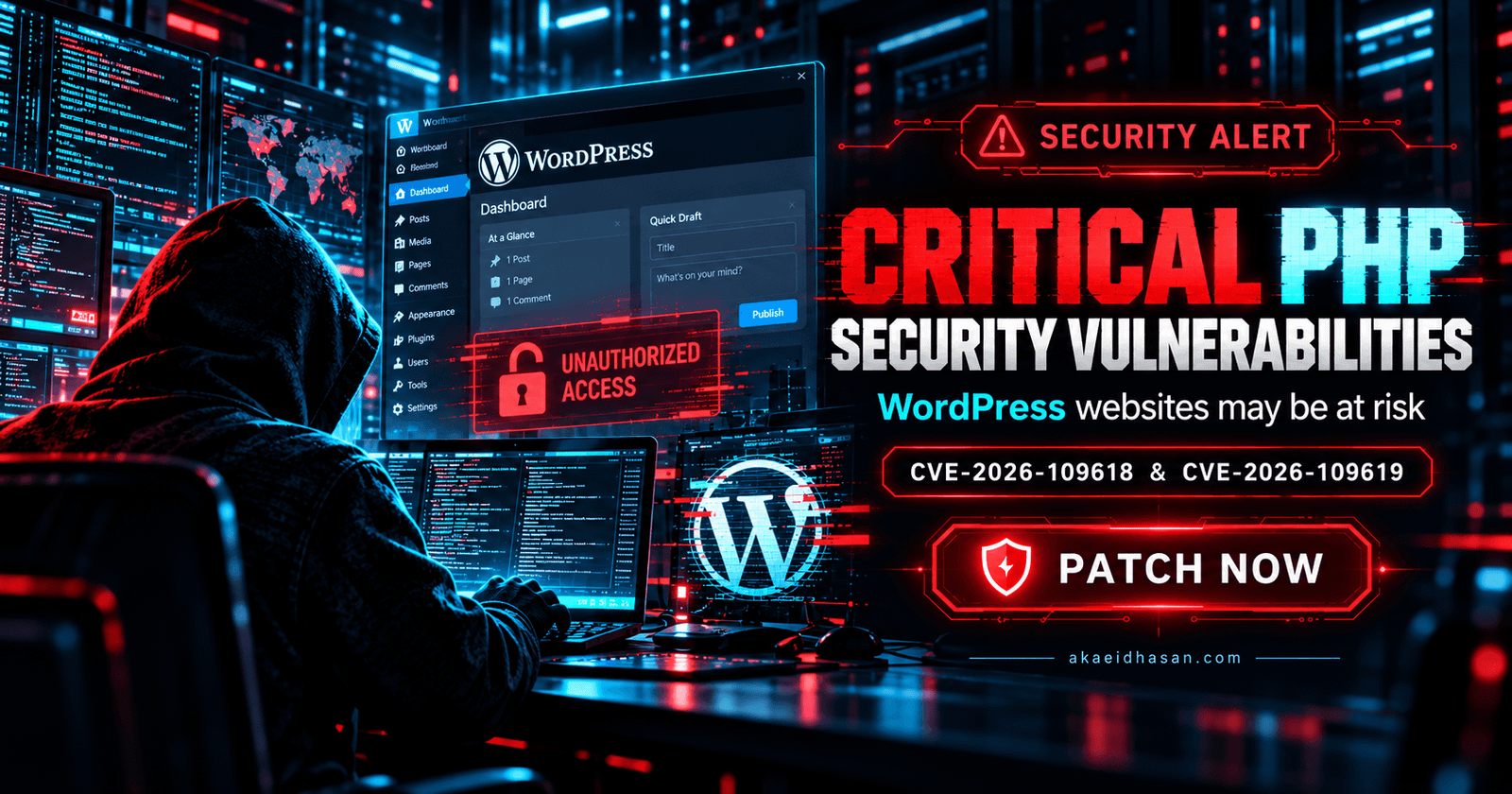
Updated October 22, 2026. Two critical PHP security vulnerabilities have prompted an urgent warning for website owners worldwide. The flaws, CVE-2026-109618 and CVE-2026-109619, can potentially allow unauthenticated remote code execution (RCE). Because WordPress runs on PHP, WordPress and WooCommerce website owners should verify their hosting environment immediately.
The PHP development team released emergency patches on October 21, 2026. This guide explains the confirmed facts, which versions need updates, how to check PHP in WordPress and Hostinger, and what to do if you cannot install a patch immediately. It is based on the official PHP security advisory, not speculation about every WordPress site having been hacked.
What Happened? The October 2026 PHP Security Alert
On October 20, the PHP security team announced an upcoming emergency security release. On October 21, the team published fixes for two critical flaws. Both were rated 9.2 out of 10 on the CVSS v4.0 severity scale.
The issues affect PHP’s internal request and memory-handling behavior, not a specific WordPress theme, password, or Elementor widget. Successful exploitation may allow an attacker to execute code on an affected PHP server without first authenticating. The actual impact depends on the PHP build, server configuration, attacker-controlled inputs and the privileges of the affected worker.
Important distinction: PHP websites are not automatically compromised merely because they use PHP. An outdated, affected runtime creates a serious risk; a confirmed breach requires evidence from the site or server.
What Are CVE-2026-109618 and CVE-2026-109619?
CVE-2026-109618: Out-of-Memory Corruption
According to PHP’s security team, an out-of-memory condition can interrupt initialization of internal request data. Later cleanup may handle incomplete or corrupted data as though it were valid. Under exploitable conditions, this can create a remote code execution path.
CVE-2026-109619: Stale Global State
The second flaw concerns internal request-owned state being used after the memory backing it has been released. A subsequent request served by the same worker may encounter stale state before normal initialization resets it. This can also create a remote code execution risk.
These vulnerabilities are at the PHP runtime level. Updating WordPress core, Rank Math, Elementor or a security plugin by itself does not patch the vulnerable PHP runtime.
Which PHP Versions Fix the 2026 Vulnerabilities?
The official PHP announcement specifies the following security releases:
| PHP release branch | Minimum fixed version | What to do |
|---|---|---|
| PHP 8.5 | 8.5.12 | Install 8.5.12 or a later security-patched build. |
| PHP 8.4 | 8.4.27 | Install 8.4.27 or a later security-patched build. |
| PHP 8.3 | 8.3.36 | Install 8.3.36 or a later security-patched build. |
| PHP 8.2 | 8.2.35 | Install 8.2.35 or a later security-patched build; plan migration before this branch reaches end of life. |
| PHP 8.1 and older | No standard upstream security release | Upgrade to a supported branch or obtain a verified security backport from your hosting vendor. |
Note: Some Linux distributions and enterprise hosting providers apply security fixes as backports without changing the upstream-looking version number. If your host uses a vendor-maintained PHP package, ask them to confirm explicitly that both CVEs are patched. PHP 8.2 reaches end of life on December 31, 2026, according to PHP’s release notice.
Are WordPress, Elementor and WooCommerce Websites Affected?
Potentially, yes. WordPress uses PHP to generate and process many website requests. A WordPress installation running on an affected, unpatched PHP runtime may be exposed even if its WordPress core and plugins are current. The same applies to sites built with Elementor and stores using WooCommerce.
The official advisory identifies several deployment types as potentially affected, including PHP-FPM, Apache mod_php, php-cgi, FrankenPHP and LiteSpeed. It describes particular concern for Apache mod_php due to a demonstrated attack path that can occur before application code runs. Having an HTTPS certificate, a firewall or a security plugin is valuable, but none of those is a replacement for the PHP patch.
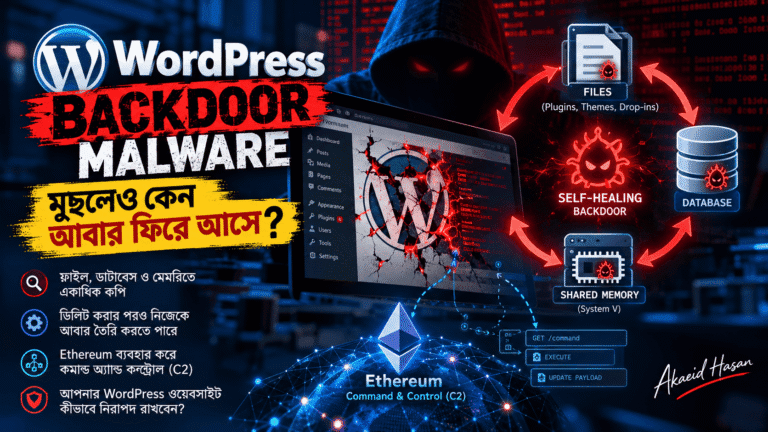
To reduce your website’s broader attack surface, read my related guide to WordPress backdoor malware and recurring infections.
How to Check Your PHP Version in WordPress
- Sign in to your WordPress admin dashboard.
- Open Tools → Site Health.
- Select the Info tab and expand Server.
- Find the PHP version field and compare the complete version number against the patched-version table above.
- If your host applies custom security backports, request written confirmation of patch coverage for both CVEs.
You can also check PHP from your hosting control panel. Note that the result of a terminal command such as php -v may describe command-line PHP rather than the version actually serving your website; verify the web-facing runtime.
How to Update PHP Safely on a WordPress Website
Step 1: Back Up the Website
Make a fresh backup of your database, WordPress files and uploads. Verify that you can restore it. For a WooCommerce site, consider how orders received during a maintenance window would be preserved.
Step 2: Check Compatibility
Confirm that WordPress, your theme, Elementor, WooCommerce and essential plugins support your chosen PHP branch. Whenever possible, test the patch in staging. A patch-level upgrade on the same supported branch is often less disruptive than jumping across several major/minor releases, but still deserves validation.
Step 3: Apply the Hosting Provider’s Security Update
Use the host’s control panel or ask its technical support team to apply an updated build with both CVEs fixed. If your provider manages the PHP runtime, request confirmation that the vulnerable packages and relevant workers have been replaced or restarted.
Step 4: Test Important Site Features
- Home page, posts, mobile layout and navigation.
- Elementor editor and published layouts.
- Contact forms, transactional email and login.
- WooCommerce cart, checkout, payment flows and account pages, if applicable.
- Server error logs, scheduled jobs, caching and the REST API.
For ongoing upkeep, explore my WordPress maintenance and support services and the WordPress website redesign checklist for testing considerations.
How to Change the PHP Version in Hostinger hPanel
If you use Hostinger, sign in to hPanel → Websites → Dashboard → PHP Configuration. Check the available PHP releases, select a patched and compatible option, and apply the update. Some hosting plans apply the selected PHP version to multiple websites, so check which projects share that environment before changing it.
If the exact patched release is not shown, contact Hostinger support and request confirmation of coverage for CVE-2026-109618 and CVE-2026-109619. A displayed version number by itself may not show vendor backports.
See Hostinger’s official PHP configuration instructions and WordPress.org’s PHP update guide.
What If Your Hosting Provider Cannot Patch PHP Today?
The PHP team states that no temporary mitigation is a complete solution; patching remains essential. Contact your host immediately and ask for a security-update timeline. If you manage your own server, follow the relevant vendor’s emergency instructions and consult the official advisory for deployment-specific interim measures. Be cautious about changing memory limits, upload handling or session settings without understanding your application’s requirements.
If credible signs of exploitation appear, preserve logs and backups, restrict affected services as appropriate, and begin incident response. Do not assume that installing a patch removes a web shell or malicious file left by a previous compromise. Learn more about persistence and cleanup in my WordPress malware analysis.
WordPress PHP Security Checklist for Website Owners
- Verify: Identify the PHP build handling live website requests.
- Patch: Install a verified fixed release or vendor backport for both 2026 CVEs.
- Back up: Preserve restorable site files and database backups.
- Test: Check Elementor, WooCommerce, forms, checkout and cron jobs.
- Inspect: Review unfamiliar administrator accounts and suspicious changes if compromise is suspected.
- Maintain: Keep WordPress core, themes and plugins updated as part of regular maintenance.
- Monitor: Follow PHP release advisories and your hosting provider’s security notices.
Frequently Asked Questions
Can WordPress websites be hacked because of PHP vulnerabilities?
Yes, an unpatched PHP runtime can expose a WordPress website to server-level attacks. However, an affected version does not prove that a particular website has already been hacked.
Does updating Elementor or WordPress fix these PHP flaws?
No. These are PHP runtime vulnerabilities. The primary fix is to update PHP to a security-patched build, alongside normal WordPress maintenance.
Which PHP 8.3 version fixes the October 2026 issues?
PHP 8.3.36 is the first upstream security release in that branch that addresses both CVE-2026-109618 and CVE-2026-109619.
Is a firewall, Cloudflare or a WordPress security plugin enough?
No. Those tools may help with layered defense, but the PHP project says no temporary mitigation is complete. Apply the actual security patch.
Does updating PHP improve SEO?
PHP updates are primarily a security and maintenance task. A well-tested, supported runtime can help maintain performance and availability, which support a positive user experience. A security update does not directly guarantee higher Google rankings.
Final Thoughts: Prioritize the PHP Patch
These October 2026 PHP vulnerabilities are a reminder that WordPress security starts below WordPress itself. Developers and business owners need to maintain the server runtime as well as the CMS, themes and plugins.
If you need help auditing, maintaining or securing your WordPress website, I’m Akaeid Hasan, a WordPress developer. You can explore my website development services or contact me for technical assistance.
Primary sources: PHP Security Advisory, October 21, 2026; WordPress.org PHP Update Guide; Hostinger PHP Configuration Help.