

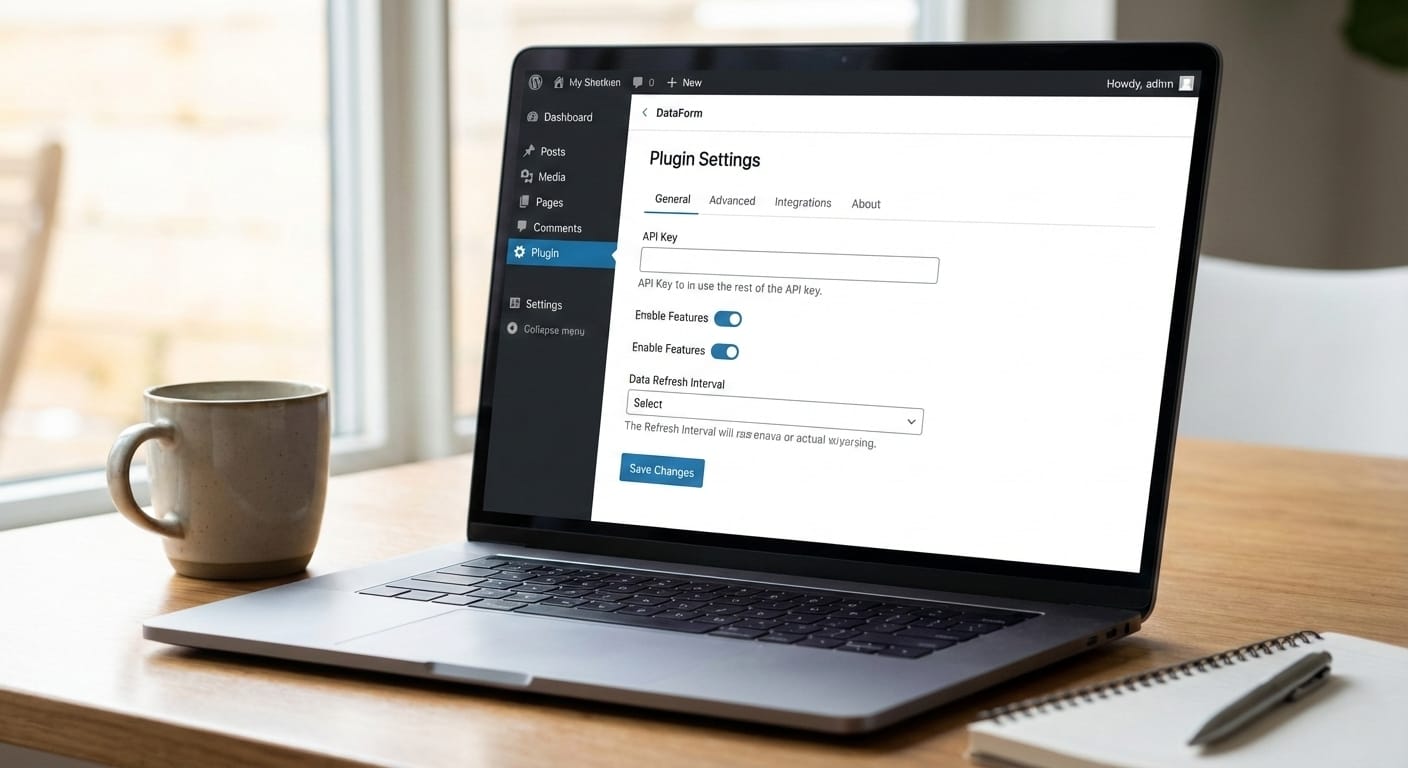
WordPress is evolving rapidly—not only on the front end but also inside the admin panel. With the new admin redesign, WordPress is moving toward a more modern, React-based experience. One of the most important additions in this transition is DataForm, a new approach to building plugin settings pages that are clean, consistent, and future-ready.
In this post, you’ll learn:
- What’s changing in the WordPress admin interface
- What DataForm is and why it matters
- How DataForm differs from traditional plugin settings
- What WordPress developers need to do to stay ahead
What’s New in the WordPress Admin Redesign?
For years, WordPress plugin settings pages were built using PHP, HTML, and custom CSS. While functional, this approach often resulted in inconsistent UI and poor user experience.
With the introduction of Gutenberg, WordPress began shifting toward a React-first architecture. The admin redesign continues this direction with clear goals:
- Consistent UI across core, plugins, and blocks
- Improved accessibility (a11y)
- Better performance and smoother interactions
- A unified design language for the entire admin area
As a result, plugin settings pages are expected to match the new WordPress admin experience—and this is where DataForm comes in.
What Is DataForm in WordPress?
DataForm is an official, React-based form system provided by WordPress for building modern plugin settings pages.
Traditionally, developers relied on:
add_menu_page()and related PHP functions- Custom HTML forms
- Manual validation and data handling
- Custom styling to match the admin UI
With DataForm, developers can:
- Use WordPress’s own React components
- Automatically handle form state and validation
- Ensure consistent design with the WordPress admin
- Build scalable and maintainable settings pages
The result is a professional plugin interface that feels like a native part of WordPress.
Traditional Plugin Settings vs DataForm
❌ Traditional Approach
- PHP-heavy codebase
- Manual HTML and CSS
- Inconsistent UI between plugins
- Limited responsiveness
- Harder to maintain and scale
✅ DataForm-Based Approach
- React-powered architecture
- Official WordPress UI components
- Clean, consistent admin design
- Responsive and accessible by default
- Easier long-term maintenance
The Role of WordPress React Components
DataForm is built on top of WordPress’s React component system, including components such as:
- TextControl
- ToggleControl
- SelectControl
- Button
These components are:
- Maintained and tested by WordPress core
- Accessibility-friendly
- Visually consistent with the admin design
This allows developers to focus on functionality and user experience instead of reinventing UI elements.
Why WordPress Developers Should Learn DataForm
1. Future-Proof Plugin Development
WordPress is clearly moving toward a React-driven ecosystem. Learning DataForm ensures your plugins remain compatible with future admin updates.
2. Professional-Grade User Experience
Modern plugins are expected to provide a polished admin interface. DataForm helps meet that expectation without extra design effort.
3. Increased Trust and Credibility
When a plugin’s settings page looks and feels native to WordPress, users naturally trust it more—especially in client projects and premium plugins.
How to Get Started with DataForm
To work effectively with DataForm, WordPress developers should have a basic understanding of:
- Modern JavaScript (ES6+)
- React fundamentals
- WordPress Block Editor concepts
- Official WordPress developer documentation
You don’t need to be a React expert, but understanding the core concepts is essential.
Final Thoughts
WordPress is no longer just a PHP-based CMS—it’s a modern platform powered by React. DataForm represents the future of plugin settings pages, bridging the gap between traditional development and the new WordPress admin experience.
If you’re serious about long-term growth as a WordPress developer, now is the right time to start learning and adopting DataForm.