


Professional profile photo of Akaeid Hasan – WordPress Developer, Frontend Specialist, and Web Designer

Akaeid Hasan

Frontend Developer

I’m Akaeid Hasan, a Frontend Developer focused on WordPress. I build clean, fast, and responsive websites that help businesses grow. I also have working knowledge of HTML, CSS, and JavaScript for better flexibility and performance.

Facebook Pixel: What It Is, Why It’s Important for E-Commerce, and How to Set It Up in WordPress

Modern flat-style illustration showing a laptop with Facebook Pixel analytics dashboard, sales performance, and eCommerce tracking elements — design by Akaeid Hasan.

If you run an online business, you probably spend money on ads. But here’s the big question: are your ads really working? That’s exactly what **Facebook Pixel** helps you figure out. It’s a powerful tool that tracks your visitors’ actions and shows you how your ads perform, so you can make smarter marketing decisions.

What is Facebook Pixel?

Facebook Pixel is a small piece of tracking code that you add to your website. Once installed, it monitors your visitors’ behavior—like viewing products, adding items to cart, or completing a purchase.

This data is then sent back to Facebook, helping you:

* Measure ad performance accurately

* Target the right audience

* Retarget visitors who didn’t purchase

* Build “lookalike audiences” similar to your best customers

Why Do E-Commerce Websites Need Facebook Pixel?

For e-commerce websites, **Facebook Pixel is a game-changer**. Here’s why:

1. **Track Conversions** – Know how many sales are coming directly from your ads.

2. **Retarget Customers** – Show ads to people who left without buying.

3. **Optimize Ads** – Facebook automatically learns which audience converts best.

4. Save Money** – No more wasting budget on people who aren’t interested.

Simply put, Pixel turns random ads into smart, data-driven campaigns that actually drive revenue.

How to Set Up Facebook Pixel on WordPress

Good news—adding Pixel to your WordPress site isn’t rocket science. Follow these steps:

1. Create a Pixel in Meta Events Manager

* Go to [Meta Business Suite]

* Click “Events Manager” → “Connect Data Sources” → “Web”

* Select “Facebook Pixel” and give it a name.

2. Add the Pixel to Your WordPress Website

* Copy the Pixel code.

* Paste it into your site’s `<head>` section (via theme settings or header plugin).

* Alternatively, use a plugin like “PixelYourSite” to make it even easier.


3. Verify & Test

* Install the **Meta Pixel Helper** Chrome extension.

* Visit your site to see if the Pixel is firing correctly.

Final Thoughts

Facebook Pixel is not just a tool—it’s your personal marketing assistant. It tells you what’s working, what’s not, and how to improve.

If you run a WordPress e-commerce store and haven’t set it up yet, now is the time. Your future sales depend on it.
Leave a Reply

Your email address will not be published. Required fields are marked *

Related Post

A professional workspace image showing a laptop on a wooden desk displaying the WordPress admin dashboard plugin settings page. The screen shows a plugin configuration panel with API key input field, enable features toggle buttons, data refresh interval dropdown, and save changes button. This interface represents WordPress plugin setup, website backend configuration, and admin panel customization used by web developers like Akaeid Hasan for managing website functionality, integrations, and performance settings. A coffee mug and notebook beside the laptop indicate a modern web development working environment.

WordPress is evolving rapidly—not only on the front end but also inside the admin panel. With the new admin redesign, …

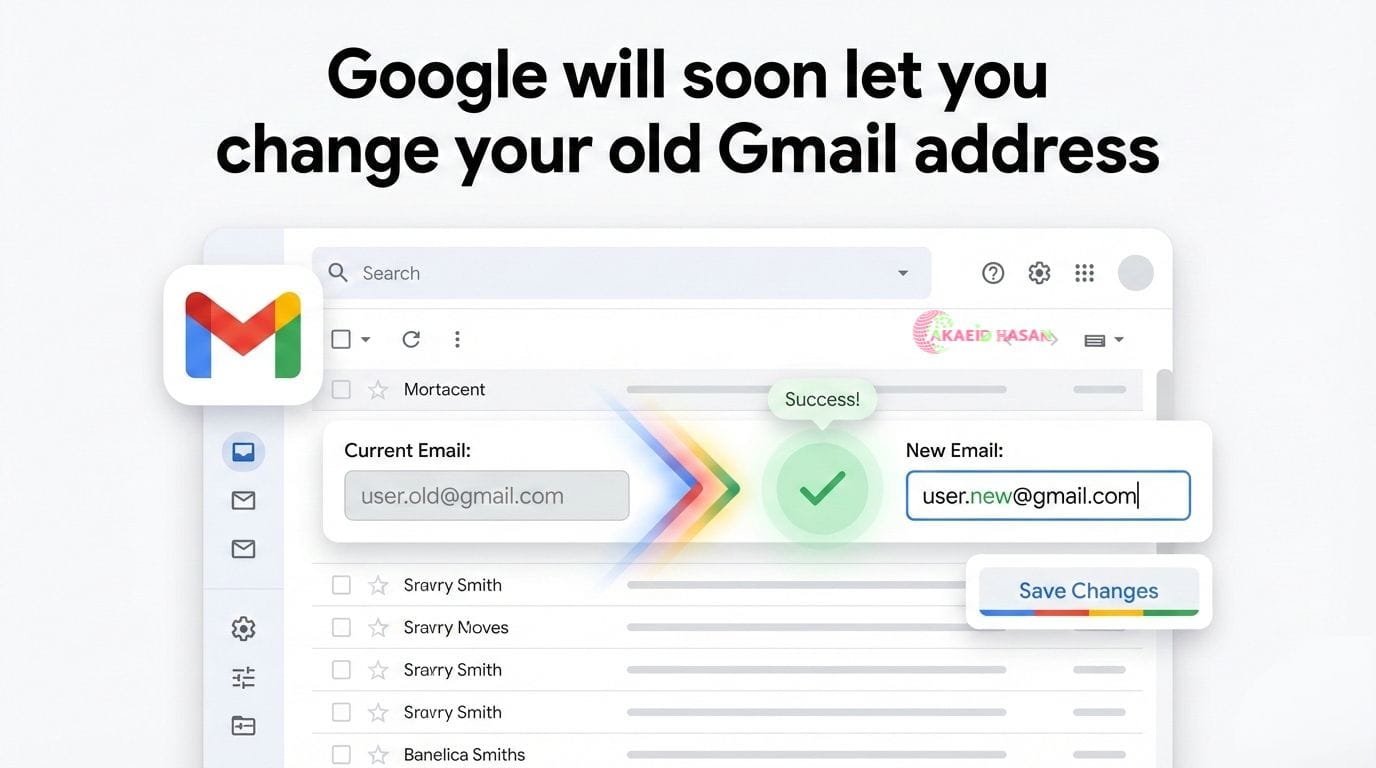
A clean blog post cover image illustrating Google allowing users to change their old Gmail address, featuring the Gmail interface with a transition from an old email address to a new email address, a success confirmation checkmark, and a Save Changes button, representing upcoming Gmail account update features and email identity management, designed and presented by Akaeid Hasan.

Google Will Soon Let You Change Your Old Gmail Address — Full Details Google is finally preparing to roll out …

Testimonial

What Client Says About Akaeid Hasan

Bouncing Tags with Marquee Animation
WordPress
Elementor
WooCommerce
Crocoblock
Shopify
HTML
CSS
JavaScript
Figma
WordPress Website Development
WordPress Website Design
Figma to WordPress
PSD to WordPress
Elementor Design
E-commerce Store Setup
Shopify to WordPress Migration
WordPress Website Development
WordPress Website Design
Figma to WordPress
PSD to WordPress
Elementor Design
E-commerce Store Setup
Shopify to WordPress Migration
Landing Page Design
Restaurant Website Design
Personal Portfolio Website
Business / Corporate Website
Educational / LMS Website
Service-Based Website
Real Estate Website
Landing Page Design
Restaurant Website Design
Personal Portfolio Website
Business / Corporate Website
Educational / LMS Website
Service-Based Website
Real Estate Website